
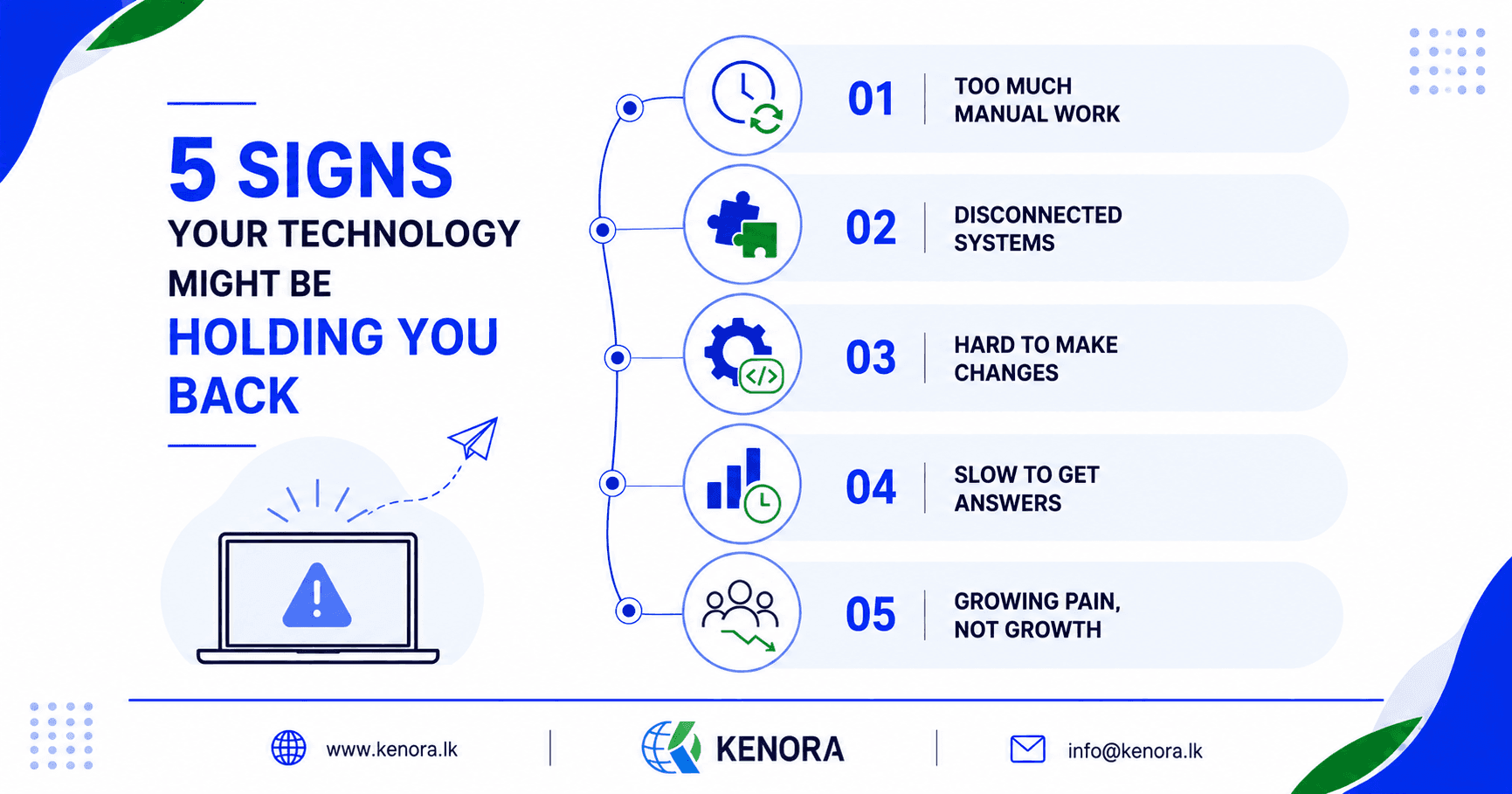
5 Warning Signs Your Business Technology Is Holding You Back
Your business is growing. More customers are coming in, your team is getting bigger, and there are more orders, projects, and data to manage every day.
That sounds like a good problem to have. But then something strange starts to happen.
Your team works longer hours and still gets less done. People copy information from one spreadsheet to another. Managers wait for reports. Employees use different tools for the same task. Even a small change to a system turns into a big project.
You hire more people, but the work still feels slow. You add more software, and things get even more complicated.
At some point, you need to ask an important question: is your technology helping your business grow, or is it holding you back?
The answer isn't always obvious. Technology problems rarely show up overnight. They build up slowly, hidden inside everyday work.
Here are five signs it might be time to take a closer look.
Your Team Repeats The Same takes Every Day
Picture an employee who starts the morning by checking three different systems. They copy customer details from one system into a spreadsheet, then update another system. Later, someone asks for a report, so they dig through emails and files to find the numbers.
None of these tasks look difficult on their own. The problem is that they happen every single day.
One small task might take five minutes. Do it ten times a day, and that's almost an hour gone. Do it every working day, and the hours add up fast. Now multiply that by ten employees doing similar work.
The business isn't just losing time. It's paying people to do work that technology could often handle instead.
This doesn't mean every repetitive task should be automated. Some tasks genuinely need human judgment. But if your team is constantly copying information, checking the same data, or building the same reports by hand, it's worth asking whether the process can be improved.
A simple test: look at your team's daily work and ask, “What do we do again and again that doesn't really need a person to do it?” That one question can uncover some surprisingly useful fixes.
Your Systems Don't Talk To Each Other
Most businesses use more than one software system, maybe one for sales, another for accounting, another for customer information, and another for daily operations. There's nothing wrong with that on its own.
The trouble starts when these systems can't communicate with each other. Your employees end up becoming the connection between them.
A customer places an order. Someone enters it into the sales system. Someone else copies the details into accounting. A third person updates a spreadsheet. A fourth checks everything before it goes out to the customer. Four people are moving information that could move automatically.
Every time information is copied by hand, there's a chance of a mistake. A single wrong number or missing field can cause real problems later: a customer gets the wrong details, a payment gets delayed, a report shows the wrong numbers. Then someone has to spend even more time tracking down and fixing the error.
This is where connecting your systems makes a real difference. Instead of asking people to move information between tools, linked systems can share the right data automatically.
The goal is simple: let your systems handle more of the communication, so your people can focus on work that actually needs them.
A Simple Change Takes Weeks To Make
Here's a situation many growing businesses know well. Someone asks, “Can we add this small feature?” The answer sounds simple, but then the questions start.
Will the current system support it? Who built this part? Will changing it break something else? Can the old database handle it? Do we even still have access to the original code?
Before long, a small request turns into a long discussion. That's a warning sign. Your technology might still work, but it may no longer be easy to change.
This usually happens with older systems that have been patched and modified many times over the years. The business grows, the system gets tweaked, another feature gets bolted on, then another. Eventually the software still runs, but nobody wants to touch the parts underneath, because one small change could break something else.
That's a real problem for a growing company. Business moves fast. Customers want new things. Competitors launch better services. Your own team finds faster ways to work. If your technology takes months to respond to simple requests, your business loses valuable time waiting.
Good technology shouldn't just work today. It should give your business room to change tomorrow.
You Can't Get Answers Quickly
Imagine a manager asks, “How many new customers did we get this month?” It sounds like an easy question. But instead of an answer in a few seconds, someone starts digging through spreadsheets. Another person checks the sales system. Someone sends an email asking for numbers. A report gets updated. Two days later, the answer finally arrives, by which point the business has already moved on.
This is a common problem when data is scattered across too many places. The business has the information, it just can't use it easily.
Having data is not the same as having useful information.
A good dashboard or reporting system brings the important numbers together in one place. A manager could check sales, customer activity, orders, and performance without chasing down several people first.
That helps people make decisions faster, and faster decisions matter. If you know what's happening today, you can act today. If you only find out what happened two weeks ago, your options may have already changed.
Your Team Has Build Its Own Workarounds
This might be the biggest warning sign of all. Your official system says one thing, but your employees have their own way of getting the work done.
Someone keeps a private spreadsheet. Another person has a personal checklist. Someone saves important details in their email. A team uses a shared document because the main system is too clunky. People might even use messaging apps to track business information.
Why does this happen? Usually because the official process isn't working well enough for them. Employees aren't trying to cause problems, they're trying to get their jobs done. If the system makes something difficult, people naturally find another way around it.
At first, these workarounds seem harmless, even helpful. Over time, they become risky. Now there are several versions of the same information floating around, and nobody's sure which spreadsheet is the latest. Important details might exist in only one employee's personal files. A manager could end up making a decision based on outdated data.
When that happens, the business starts depending on unofficial systems, and that's not a healthy setup.
The Real Problem Isn't Always Old Software
When people hear “technology problem,” they often assume they need new software. That's not always true.
Sometimes the software is fine. The problem is how it's being used. Maybe two systems just need to be connected. Maybe one repetitive process needs automation. Maybe employees need a better dashboard. Maybe the data needs cleaning up. Maybe one small custom feature would solve it. Or maybe the current system really has hit its limit and needs replacing.
The important thing is to find the real problem before choosing a solution.
Buying new software without understanding the actual issue can make things worse, you just end up with one more system for your team to learn.
Start With The People, Not The Software
One of the best ways to find technology problems is to talk to the people who use your systems every day. Ask them simple questions:
- What takes too long?
- What do you have to enter more than once?
- What do you check manually?
- What information is hard to find?
- Which part of the system frustrates you the most?
- What do you wish the system could do?
You might be surprised by the answers. A manager may think the biggest issue is reporting, while employees say the real problem is entering the same customer details three times. A business owner may think they need a whole new system, while the operations team just needs better integration between the tools they already have.
The people doing the work every day usually know exactly where the real problems are.
You Don't Have To Change Everything At Once
This is another important point. If you recognize these warning signs, you don't need to throw out all your current technology tomorrow. That can create more problems than it solves.
Instead, start small. Find the biggest source of wasted time. Find the process that causes the most mistakes. Find the system that frustrates people the most. Then fix that one area first.
For one business, that might mean automating order processing. For another, it might mean connecting a CRM with accounting software. Another company might need a custom dashboard, or better cloud infrastructure. The right first step depends on your business.
Let Your Technology Grow With Your Business
A small business can sometimes get by with spreadsheets, manual processes, and a handful of separate tools. As the business grows, those same methods start to break down.
More customers mean more data. More employees mean more communication. More services mean more processes. More systems mean more chances for things to fall out of sync.
Your technology needs to grow with you. That doesn't mean chasing the newest tools just because they're new. It means making sure your systems support the way your business works today, and leave room for tomorrow.
The Question Worth Asking
If your team is constantly busy, ask yourself this before hiring more people: are we dealing with a people problem, or a process and technology problem?
Sometimes you really do need more people. But often, your existing team is spending too much time on work that technology could handle instead. That's a very different problem to solve.
Fixing the process could give your team back hours every week. It could cut down on mistakes, improve customer service, and help your business grow without piling on more unnecessary work.
Final thoughts
Technology should make your business easier to run, not harder. If your employees are constantly copying information, building workarounds, waiting on reports, or struggling to make simple changes, don't ignore those signs. They're telling you something important.
Your business has changed. Your customers have changed. Your processes have changed. Your technology may need to change too.
You don't need to start with a huge overhaul. Start with one problem. Understand why it exists. Find a practical solution. Then move on to the next one.
Over time, those small improvements add up to something much bigger: a business where people spend less time fighting their technology and more time doing work that actually matters.
The best technology isn't the one with the most features.
It's the one that helps your business work better.