
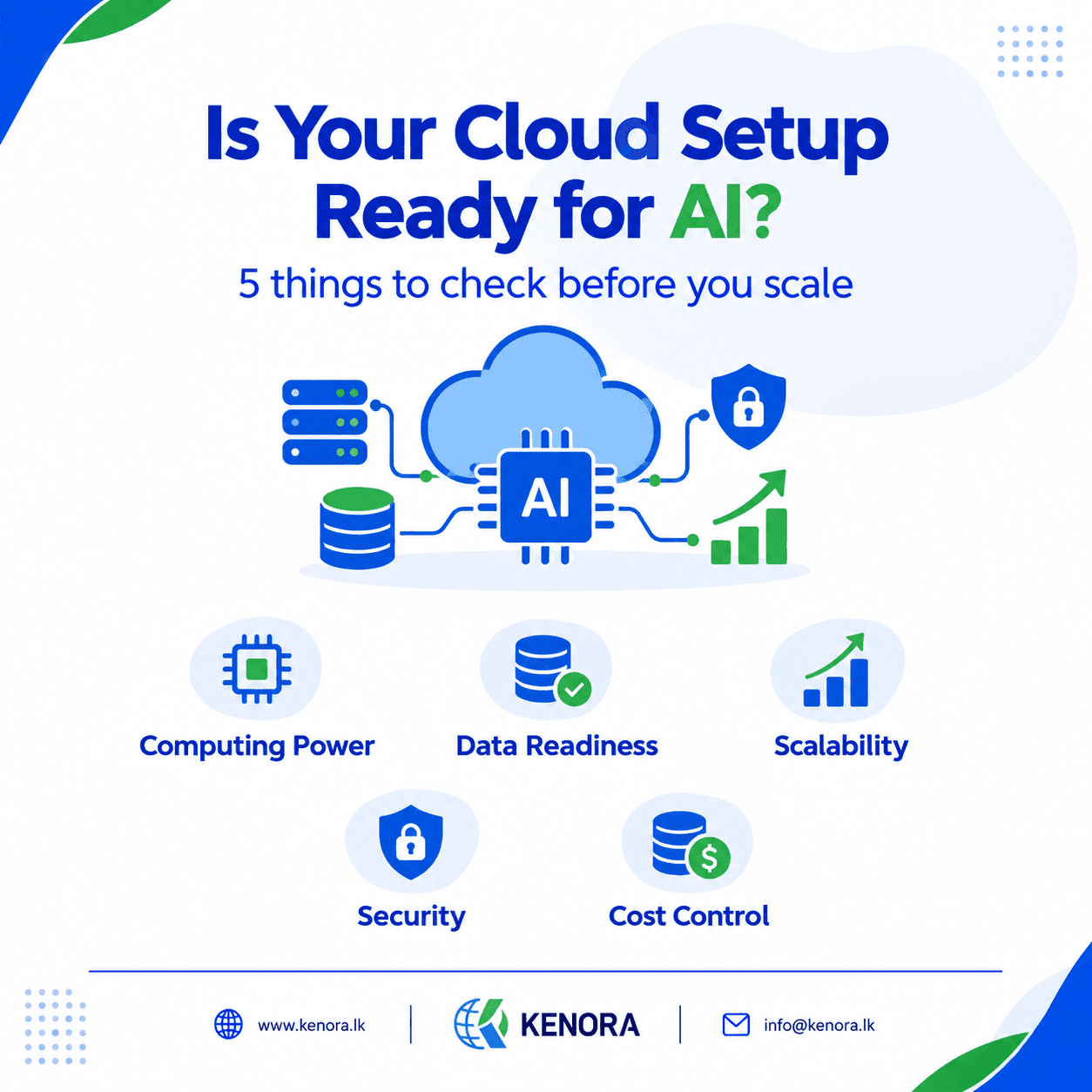
Is Your Cloud Setup Ready for AI Workloads?
Picture this. Your business just launched a new AI tool. At first, everything looks great. Your team tests it, the results are useful, and everyone is excited about what comes next.
Then more people start using it.
The system slows down. Cloud costs creep up. Some tasks take longer than they should. Your team starts asking questions about performance, security, and infrastructure.
What happened?
The problem usually isn't the AI itself. It's that the cloud setup underneath it wasn't ready for the workload.
More businesses are exploring AI right now, and cloud infrastructure has become a big part of that conversation. AI can help you automate tasks, analyze data, support customers, and build new products, but every good AI application needs a solid foundation underneath it.
So, is your cloud setup ready for AI? Here's what to check before you take the next step.
AI Needs More Than Just a Cloud Account
Most businesses already use cloud services for websites, databases, and daily operations. That's a good starting point, but running AI workloads can bring different demands.
A regular business app might process a form or pull up a record. An AI application might need to scan thousands of documents, read images, or generate answers to many requests at once.
What you need depends on your project. A chatbot built on an outside AI service has very different needs from a company training its own model. A document processing tool needs different resources than an app built for instant replies.
So don't pick your infrastructure just because it's powerful or popular. Start by understanding what your AI application actually needs.
1. Check Your Computing Power
AI can be demanding, but not every project needs expensive hardware.
Picture two companies. One uses AI to summarize internal documents through an outside service. The other trains its own machine learning model on a large dataset. Both are “using AI,” but their infrastructure needs are worlds apart.
Some projects run fine on the cloud resources you already have. Others need specialized hardware, like GPUs, for certain tasks.
Before spending on new infrastructure, ask yourself:
- What kind of AI workload are we running?
- How much data will it process?
- How many people will use it?
- Does it need fast, real-time answers?
- Will this grow over time?
You don't need the priciest setup. You need one that fits your actual workload.
2. Get Your Data in Order
AI runs on data. Documents, customer records, reports, and images all feed into the results your AI gives back, but if that data is messy, the whole project gets harder.
Picture a company with files scattered across different systems. Some documents are outdated. Some information repeats. Nobody's quite sure who can access what.
Now that company wants AI to find answers fast. Where should it look? Which version is correct? Who's allowed to see it?
These questions need answers before you go live. A cloud environment that's ready for AI has a clear plan for how data is stored, accessed, backed up, and organized.
You don't have to fix every data problem overnight. Start with the data your project actually needs. Know where it lives, who can reach it, and how it's protected. That alone gives your AI project a much stronger base.
3. Make Sure You Can Handle More Users
Most AI tools start small. Five employees try it out during testing, and everything runs smoothly.
Then the company rolls it out to 100 employees, customers, or partners. Requests pile up, and the system suddenly feels a lot heavier.
This is where scalability comes in. It's the ability of your system to adjust as demand changes, without falling over.
Your cloud environment might need to support more users during busy hours, heavier data processing, extra computing power, steady connections between different parts of the app, and monitoring as the load grows.
Cloud platforms give you flexible tools for this, but flexibility alone won't save you. You still need to plan and configure things properly.
Ask yourself: what happens if this workload becomes five times bigger than it is today? You may not have the full answer yet, but testing and gradual growth will help you find it.
4. Balance Speed and Reliability
Nobody likes waiting on a system that's supposed to be quick.
Think about a support team using an AI assistant. They ask a question and expect an answer in seconds. Now think about a different AI tool that processes documents overnight. A short delay there barely matters.
These two cases need different levels of performance. Before you launch, decide what “good performance” looks like for your specific case:
- Response time: how fast should it reply?
- Availability: how often should it be up and running?
- Processing time: how long can background tasks take?
- Recovery: what happens when something fails?
A reliable app is about more than speed. It also needs a plan for errors and unexpected demand. If an AI service goes down for a moment, your app could show a helpful message or fall back to another process, depending on how you built it. Planning ahead for this saves you from bigger headaches later.
5. Don't Skip Security
AI applications often touch sensitive information, like customer details, internal documents, or financial records. If that data isn't protected properly, your business could run into real trouble.
Security should be part of the design from day one, not something you bolt on after launch. A few areas worth reviewing:
- Access control: not everyone needs access to everything. Give people and services only the permissions they actually need.
- Data protection: know where your information lives and how it's protected, both in storage and while it moves between systems.
- Monitoring: keep an eye on important activity so you can catch anything unusual early.
- AI application security: look closely at how your app handles user input, data access, integrations, and the responses AI generates.
There's no single setup that works for every business. Your approach should fit your data, your technology, and your specific risks. AI should make your business more capable, not open the door to problems you could have avoided.
6. Know Your Costs Before You Scale
Your AI project might look affordable while you're testing it. But what happens once real users show up?
Cloud computing, AI usage, storage, network traffic, and monitoring all add to the bill. An app that processes 100 documents a day costs very differently from one processing 10,000.
That's why cost planning should start early. Ask yourself:
- Which parts of the app use the most resources?
- Are we paying for things we don't actually need?
- Can some tasks run on a schedule instead of all the time?
- Are we actually tracking our cloud and AI usage?
- Is this project giving us enough value for what we spend?
The goal isn't to cut every cost possible. It's to understand where the money goes and use your resources wisely. A well-planned setup lets your business grow without piling up costs you didn't expect.
7. You Don't Need to Rebuild Everything
A common myth is that adding AI means tearing down your whole cloud setup and starting over. That's usually not true.
Your existing setup probably already runs your website, databases, and core business apps just fine. You might only need to add a few services or improve certain parts.
Say a company wants to add AI-powered document classification to an app it already has. Instead of rebuilding everything, the team could connect an AI service to the existing app, run documents through a controlled process, and send the results back into the system.
The right approach depends on your app, your security needs, your workload, and your budget. Sometimes a small upgrade is enough. Sometimes you need a separate environment. The goal isn't to change everything, it's to change the right things.
8. Start Small, Then Grow
If you're not sure how ready your cloud setup is, you don't need to launch a huge AI project right away.
Start with one clear use case, like:
- Summarizing internal reports
- Classifying business documents
- Supporting employees with a knowledge assistant
- Handling customer requests
- Testing one AI feature inside an app you already have
Pick something with a clear goal and a way to measure results. Then check how it's doing. Is it fast enough? Are the results actually useful? Is the cost reasonable? Are the security controls working? Can it handle more people if needed?
A small pilot won't answer everything, but it will show you problems early, before you've made a bigger investment. It also gives your team a chance to learn how the technology behaves in real situations.
A Simple Cloud Readiness Checklist
- Do we understand the workload and what it needs to run?
- Is our data organized and properly protected?
- Do we have enough storage and a backup plan?
- Can our system handle more users later on?
- Are we monitoring performance and errors?
- Have we reviewed security and access permissions?
- Do we know what the cloud and AI costs will be?
You don't need perfect answers to every question before you start. But the more you understand your current setup, the easier your next step becomes.
Final Thoughts
AI can help your business run smoother, work with data better, support customers, and build new products. But a successful AI project isn't only about picking a good model.
Your cloud infrastructure matters. Your data matters. Your security matters. And your costs matter.
You don't have to rebuild your entire tech environment overnight. Start with your business goal, take a good look at your current cloud setup, and figure out what your AI workload actually needs.
The best time to get your cloud ready for AI is before it becomes a problem.
Ready to check your cloud setup?
Kenora helps with cloud hosting, migration, monitoring, backups, and infrastructure support. Visit www.kenora.lk to explore our technology services.